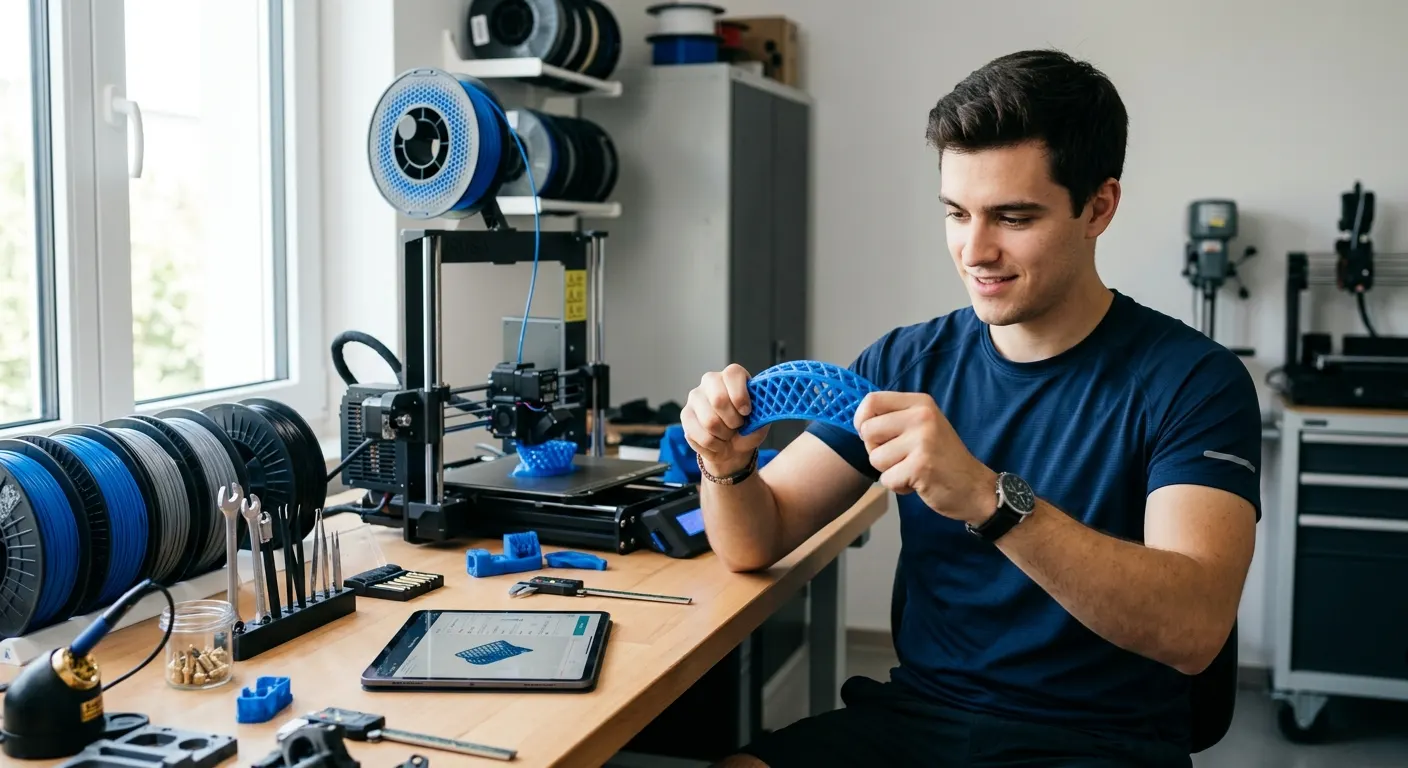
TPU is the most rewarding filament to add to a hobby printer and one of the easiest to print badly. The material is forgiving in finished form, flexible parts compress and bounce back, grip the bench, and absorb vibration in ways no rigid plastic can, but the print process punishes the same defaults that work for PLA. Slow speed, low retraction, a hot bed, and a short filament path are not optional, they are the difference between a clean phone case and a tangled jam at the extruder gears. This guide covers the hardware decisions, the slicer settings, and the moisture management that produce reliable results when printing with TPU, plus the specific fixes for the failures that new TPU users hit on their first spool.
Quick answer
Print TPU on a direct-drive extruder at 220 to 235 degrees Celsius and 60 degrees bed, 20 to 30 mm/s, with retraction at 1 to 2 mm and very low speed. Use a textured PEI plate, a standard brass nozzle, and dry the spool at 55 to 65 degrees for four hours before printing. Bowden setups need conversion first.
This guide contains affiliate links. LayerGrade may earn a commission at no cost to you.
Hardware first: why TPU needs direct drive
TPU is soft and compressible. Inside a long Bowden tube, the filament behaves like a spring: the extruder gears push, the filament buckles inside the tube instead of advancing, and the result is under-extrusion, grinding at the drive gear, and prints that fail within the first few layers. This is not a tuning problem, the physics of pushing a flexible string through a long tube cannot be solved with retraction settings.
A direct-drive extruder solves this by placing the drive gear inches from the nozzle. The filament path from gear to melt zone is short and constrained, the gear has no opportunity to buckle, and the extrusion rate matches the commanded value. On a Bambu Lab A1, P1S, or X1C, the stock extruder is direct drive and TPU works out of the box. On a Prusa MK4, the Nextruder is direct drive. On a stock Bowden Ender 3, TPU is unreliable until you convert.
The Creality Sprite Pro Extruder is the direct-drive conversion for Ender 3 owners who want flexible filament capability. After installation, Overture TPU 95A Flexible Filament prints reliably at standard TPU settings without the buckling that defeats stock Bowden attempts. If you are committed to printing with TPU on an Ender 3 and unwilling to convert, the practical reality is that TPU will remain a frustrating material on that machine.
Slicer settings that actually work for TPU
TPU prints slow. The starting point is 20 to 30 mm/s for outer walls, with travel and inner walls no faster than 40 mm/s. The reason is not strength or surface quality, it is that the soft filament cannot tolerate the sudden pressure changes of fast extrusion changes without buckling at the drive gear. Slow speeds keep the filament under steady, predictable load and produce clean walls. Overture TPU 95A Flexible Filament at 95A Shore hardness tolerates slightly faster speeds than softer TPU grades but the 20 to 30 mm/s starting point applies to both.
Temperature target is 220 to 235 degrees Celsius for most 95A TPU on a standard hotend. Run a temperature tower on every new spool and pick the lowest temperature that still produces clean layer bonding, hotter is not better with TPU because excess heat increases stringing and reduces dimensional accuracy. Bed temperature of 50 to 60 degrees Celsius is adequate for the first layer, TPU adheres aggressively to PEI without spray or glue.
Retraction is the setting that takes the longest to dial in. Start at 1 to 2 mm of retraction distance and 20 mm/s retraction speed on a direct-drive setup. Bowden setups, if you insist on running TPU on one after a Capricorn tube swap, need 3 to 4 mm at most, more than that compounds the buckling problem. Disable z-hop entirely, the lift-and-drop motion encourages TPU to ooze inconsistently. Verify your Capricorn PTFE Bowden Tube is in good condition if you do attempt TPU on a Bowden machine, a worn tube wall makes the buckling worse.
Nozzles and build plates for TPU
TPU is not abrasive. A standard brass nozzle is the correct choice for printing with TPU, the Creality MK8 Brass Nozzle Pack provides several spares at a cost low enough that you can swap one in if a partial clog develops mid-spool. There is no benefit to a hardened steel nozzle for plain TPU, the lower thermal conductivity of steel actually makes consistent extrusion slightly harder at TPU temperatures. Reserve BIGTREETECH Hardened Steel Nozzle for carbon-fiber filled TPU or abrasive composite materials, not standard flexible filament.
Nozzle diameter matters more than you might expect for TPU. A 0.4 mm nozzle is the practical default, larger nozzles flow more easily but produce visible layer lines on flexible parts where the soft material does not blend layers as smoothly as PLA. Smaller nozzles compound the buckling and clog risk, the longer the soft filament has to stay under pressure in a narrow channel, the more chances it has to misbehave.
Build plate choice is straightforward. The Bambu Lab Textured PEI Plate on Bambu printers and the Wham Bam PEI Spring Steel Sheet textured variant on Ender 3 and Prusa machines both grip TPU firmly at 50 to 60 degrees Celsius and release cleanly on cooling. If TPU adheres too aggressively and damages the surface or refuses to release, a thin layer of Magigoo 3D Printer Bed Adhesion Stick acts as a release agent that prevents over-adhesion without reducing first-layer grip during printing. Skip glue stick for TPU, the residue is harder to clean from PEI than from glass and serves no purpose for a material that already grips well.
Drying TPU is not optional
TPU absorbs ambient moisture faster than almost any other consumer FDM material. A spool of TPU left open on a workshop bench overnight in a 50 percent humidity room is wet enough to produce visible stringing, surface bubbling, and audible popping at the nozzle the next morning. The factory vacuum seal protects the spool only until you open it, after that, drying and sealed storage are mandatory rather than optional.
Dry TPU at 55 to 65 degrees Celsius for four to six hours before the first print of any new spool, even one that arrived recently. The SUNLU FilaDryer S2 reaches 65 degrees and handles a single TPU spool reliably at a price under $50, the print-in-dryer mode lets you feed the dryer directly into the extruder for long jobs where re-absorption during the print would otherwise be a problem. For multi-spool workflows or AMS owners running TPU as one of several materials, the SUNLU FilaDryer S4 dries four spools simultaneously and feeds them through the AMS while maintaining low chamber humidity.
If you want data confirmation that drying actually completed rather than guessing based on elapsed time, the EIBOS Filament Dryer Box adds a live humidity display that drops to a stable low value when the spool has finished outgassing. Between prints, store TPU sealed in PrintDry Filament Container with Desiccant containers with Dry and Dry Rechargeable Silica Gel Desiccant. Place a Govee Temperature and Humidity Monitor inside one of the containers to verify the desiccant is actually holding the humidity target, fresh packs should pull a sealed container below 15 percent relative humidity within a day.
Common TPU failures and their fixes
Filament grinding at the extruder gear is the most common first failure when printing with TPU. The drive gear chews the soft filament without advancing it, the print under-extrudes or stops entirely, and the gear teeth fill with TPU dust. The root cause is almost always one of three things: a Bowden setup that buckled the filament between gear and nozzle, retraction set too aggressive, or a partial nozzle clog that raised the back-pressure beyond what the soft filament can push against. Inspect the drive gear, clean it with a brass brush from the 3D Printer Tool Kit, reduce retraction, and verify the nozzle is clear before changing slicer settings further.
Stringing on TPU prints usually traces back to moisture, not retraction. If retraction tuning does not eliminate it, dry the spool for four hours at 55 to 65 degrees and reprint the same model with the same settings. The difference is usually obvious. Surface bubbling and a popping or crackling sound at the nozzle during extrusion are the unambiguous signs of wet TPU, dry immediately and do not waste time on slicer adjustments.
Layer separation on tall TPU parts is rare but happens with low print temperatures or excessive cooling. TPU benefits from minimal part cooling, 30 to 50 percent fan is typical, and from print temperatures at the higher end of the working range, 230 to 235 degrees Celsius. If first-layer adhesion is fine but upper layers split, raise temperature 5 degrees and reduce fan speed by 20 percent before changing any other variable. For very small TPU parts where minimum layer time is short and the print stays hot, increase fan speed instead to prevent the layer from staying molten too long.
FAQ
Frequently asked questions
Can I print TPU on a Bowden extruder at all?+
Sometimes, with caveats. A short, well-tensioned Bowden setup with a Capricorn tube and aggressive retraction tuning can print firm 95A TPU on simple geometries. Softer TPU grades and complex models with frequent retractions will buckle the filament inside the tube and fail. The reliable answer is to install a direct drive conversion before committing to TPU as a regular material.
What is the best TPU starter spool?+
A 95A Shore hardness TPU is the practical choice for most first-time TPU users. It is firm enough to print reliably on direct drive setups and soft enough to produce useful flex in phone cases, gaskets, and vibration dampeners. Softer grades like 85A are more demanding and best added after a 95A spool is printing cleanly.
Do I need a hardened nozzle for TPU?+
No. Standard TPU is not abrasive, so a brass nozzle is the correct choice and actually performs better thanks to its higher thermal conductivity. Only switch to hardened steel for carbon fiber filled TPU or other abrasive composite variants. For everyday flexible filament, keep brass.
Why is my TPU stringing even after I tuned retraction?+
Almost always moisture. TPU absorbs ambient humidity faster than PLA or PETG and shows it as stringing, surface bubbles, and a popping sound at the nozzle. Dry the spool at 55 to 65 degrees Celsius for four to six hours and reprint the same model with the same settings before changing any other slicer value. The improvement is usually obvious.