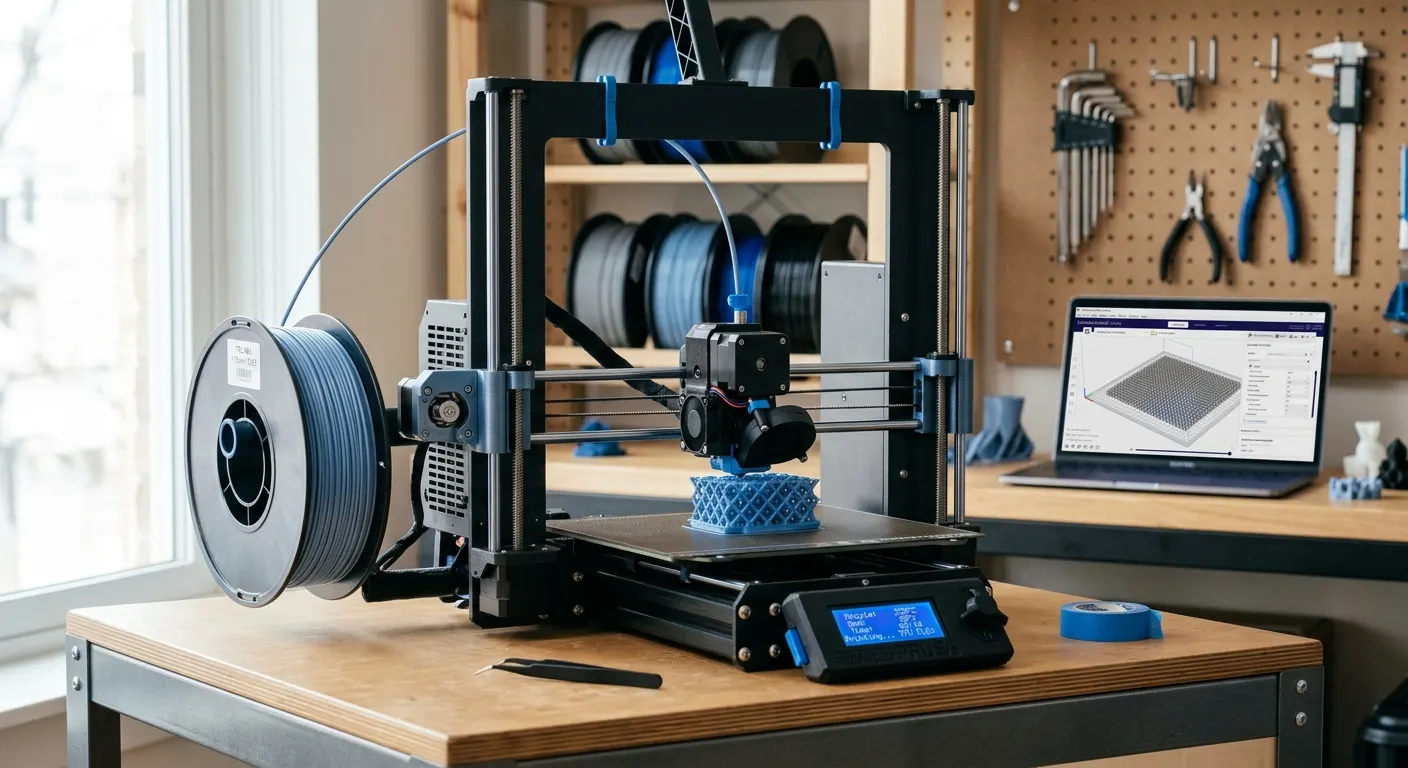
TPU is the gateway to a whole category of prints that rigid plastic cannot do: phone cases, gaskets, grippy feet, watch bands, drone parts, and anything that needs to flex and bounce back. It is also the filament most likely to make a printer that handles PLA perfectly suddenly grind, jam, and string. The reason is simple: TPU is flexible, so the same extruder path that pushes stiff PLA lets soft TPU buckle and coil instead of feeding cleanly. Once you understand that one fact, the settings follow logically. This guide covers why TPU misbehaves, the temperature and speed that work, how to tune retraction, and the drying and hardware details that separate a clean flexible print from a stringy mess.
Quick answer
Print TPU slow, hot, and with minimal retraction: roughly 220 to 235 degrees Celsius, 15 to 30 mm/s, and retraction kept short. Feed it from an external spool holder rather than an AMS, because the flexible filament buckles in the long path of a multimaterial unit. Dry the spool first and use a smooth build plate for easy release.
This guide contains affiliate links. LayerGrade may earn a commission at no cost to you.
Why TPU jams when PLA prints fine
TPU is a thermoplastic elastomer, which is a technical way of saying it is rubbery and flexible where PLA and PETG are stiff. That flexibility is exactly what makes it useful and exactly what makes it hard to feed. An extruder pushes filament like a column; a stiff column transmits the push straight to the nozzle, but a soft TPU column can buckle, coil, or squeeze out of any gap in the filament path under the same pressure. When that happens you get under-extrusion, clicking, or a full jam.
The fix is to give TPU a short, constrained, well-guided path from the drive gear to the nozzle so it cannot buckle. Direct-drive extruders, where the motor sits right above the hotend, handle TPU far better than long Bowden setups for this reason: less unsupported distance means less room to coil. If your extruder has an adjustable idler tension, back it off slightly so the gear grips without deforming the soft filament, which itself can cause feeding problems.
Slower speeds matter for the same reason. Pushing soft filament fast multiplies the pressure that makes it buckle. Printing TPU at 15 to 30 mm/s gives the filament time to feed without the drive gear having to force it, which is the single biggest difference between a clean TPU print and a jammed one.
Why TPU and the AMS do not mix
If you run a Bambu Lab printer or another multimaterial system, the most important thing to know is that most flexible TPU should not be fed through the AMS or a comparable multimaterial unit. These systems route filament through a long, curved path with multiple feed points and tight bends, and that is precisely the unsupported distance where soft TPU buckles and jams. Bambu's own guidance is to print standard TPU from the external spool holder, not the AMS.
Set it up by mounting the spool on the external holder so the filament runs the short, straight path into the extruder, bypassing the multimaterial unit entirely. A small number of newer high-hardness or AMS-rated TPU formulations are designed to tolerate the AMS path, but the safe default for general-purpose flexible filament like the Overture TPU 95A Flexible Filament at 95A hardness is the external holder. Trying to force a soft TPU through an AMS is the most common cause of TPU jams on those machines.
Temperature, speed, and flow settings that work
Start with a hotend temperature around 220 to 235 degrees Celsius. TPU generally likes the warmer side of that range because hotter, more fluid plastic flows through the nozzle with less back-pressure, which again fights the buckling problem. If you see gaps and weak layer bonding, raise the temperature in five-degree steps; if you see excessive stringing and oozing, drop it. Run a temperature tower with your specific Overture TPU 95A Flexible Filament spool to find its band rather than guessing.
Keep print speed low and, importantly, keep it consistent. Sudden speed changes spike the pressure in the melt zone and cause blobbing on a material that does not handle pressure swings well. A bed temperature of 40 to 50 degrees Celsius is plenty for adhesion. Turn the part-cooling fan down or off for the first few layers to help the base stick, then a low-to-moderate fan is fine for the rest; TPU does not need the aggressive cooling that bridges PLA overhangs.
Flow tuning matters because TPU is sensitive to over-extrusion, which shows up as a rough, lumpy surface. If your walls look overfed, drop the flow rate a few percent. A clean single-wall calibration with the 3D Printer Tool Kit calipers, the same method you would use for any filament, gets the flow dialed so the rubbery surface comes out smooth instead of bumpy.
Retraction: less is more
Retraction is where most TPU stringing comes from, and the counterintuitive answer is to use far less of it than you would for PLA. When the extruder retracts, it pulls the soft filament backward, and because TPU stretches, the pull does not cleanly relieve nozzle pressure the way it does with a stiff filament. Too much retraction stretches the filament, can pull it off the drive gear, and causes the very stringing and gaps you were trying to prevent.
Start with a short retraction distance and a slow retraction speed, then tune up only if stringing demands it. On a direct-drive extruder, something in the range of 0.5 to 2 mm is a typical starting point; long Bowden setups need more but are harder to get clean with TPU at all. Slowing the retraction speed reduces the stretch-and-snap behavior. If stringing persists after retraction tuning, re-check temperature and, before anything else, whether the filament is dry.
Build plate, adhesion, and the drying step
TPU sticks well, sometimes too well, so a smooth plate that releases flexible parts cleanly is the easy choice. A smooth PEI surface like the Bambu Lab Textured PEI Plate smooth side or an Energetic Smooth PEI Magnetic Sheet gives a tidy bottom finish and lets a flexible part peel off without tearing. If a part bonds too aggressively, a thin layer of a release-friendly adhesive such as Magigoo 3D Printer Bed Adhesion Stick acts as a barrier so the TPU lifts cleanly instead of fighting the plate.
The step most people skip is drying, and TPU is one of the thirstiest common filaments. It absorbs moisture from the air quickly, and wet TPU prints with popping, rough surfaces, and stringing that no amount of retraction tuning will fix, because the water is flashing to steam inside the nozzle. Dry the spool in a SUNLU FilaDryer S2 before printing, and keep it sealed with desiccant between sessions. If your TPU strings badly straight out of a bag that has been open for weeks, moisture is the first thing to rule out, not your settings.
One hardware note for Bowden printers: a low-friction Capricorn PTFE Bowden Tube in the filament path reduces the resistance that makes soft TPU buckle, which can be the difference between a Bowden setup feeding TPU acceptably and not at all. It is a cheap upgrade that addresses the same buckling root cause as everything else in this guide.
FAQ
Frequently asked questions
Why won't TPU print through my Bambu Lab AMS?+
Standard flexible TPU is not meant to run through the AMS. The unit routes filament through a long, curved path with tight bends, and soft TPU buckles and jams in that unsupported distance. Bambu's guidance is to print general-purpose TPU from the external spool holder so it takes a short, straight path into the extruder. Only specific AMS-rated TPU formulations are designed for the AMS.
What temperature and speed should I print TPU at?+
Start around 220 to 235 degrees Celsius for the hotend and 40 to 50 degrees for the bed, and print slow at 15 to 30 mm/s. The heat keeps the plastic fluid enough to flow without back-pressure, and the slow, steady speed stops the soft filament from buckling in the extruder. Run a temperature tower to find the exact band for your specific spool.
Why is my TPU stringing so much?+
Two usual causes: too much retraction and wet filament. TPU stretches when retracted, so large retraction values cause stringing rather than preventing it; use a short, slow retraction. If that does not fix it, dry the spool, because TPU absorbs moisture quickly and wet filament strings and pops regardless of settings. Check moisture before pushing settings to extremes.