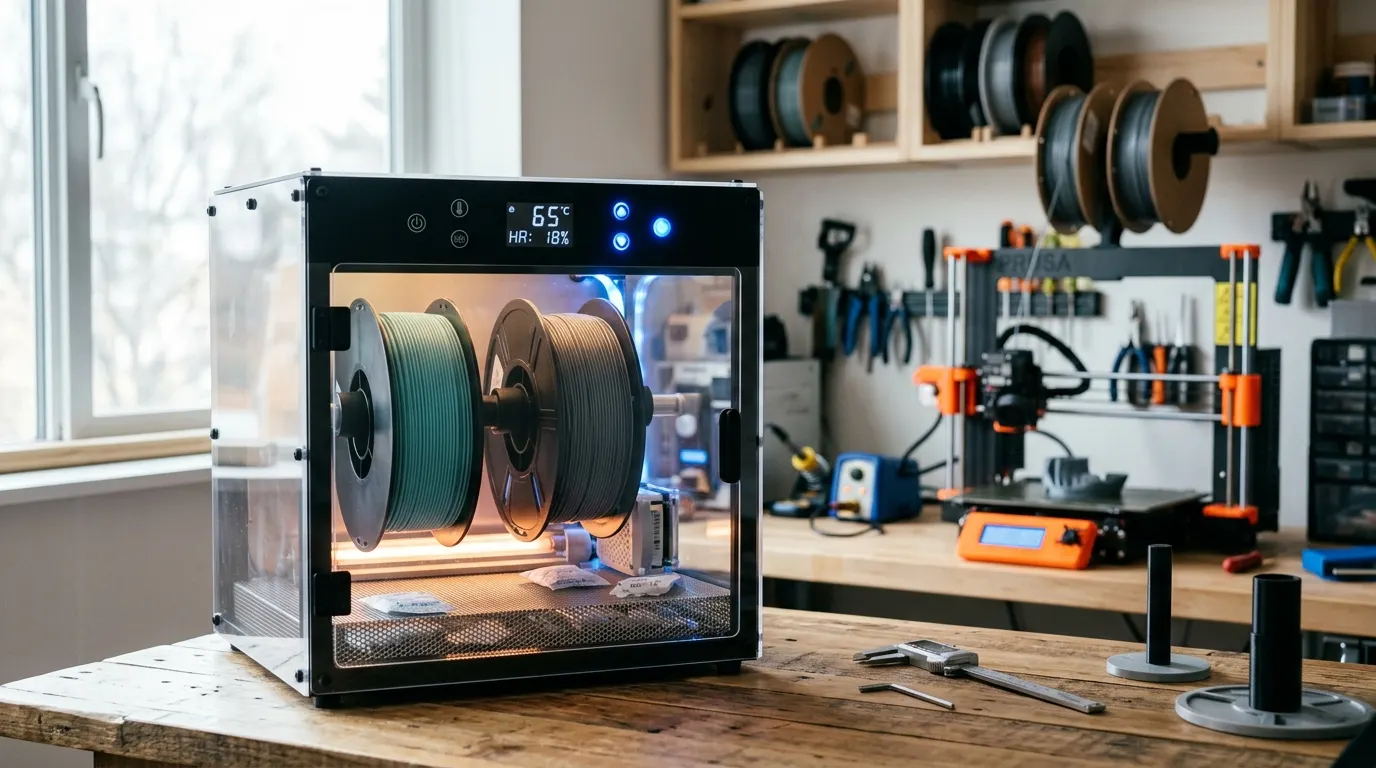
Filament absorbs moisture from humid air, and wet filament is the most common hidden cause of print failures that users incorrectly blame on slicer settings. The fix is straightforward: a filament dryer heats the spool at a specific temperature to drive out absorbed water before printing. The right dryer depends on your climate, your materials, and how many spools you rotate between. This guide covers the diagnosis, the drying process, the hardware options, and when passive desiccant storage is enough.
Quick answer
Buy the SUNLU FilaDryer S2 if you print one material at a time and want verification that drying helps, it costs under $50 and runs while you print. Choose the SUNLU FilaDryer S4 for multi-material AMS workflows. For passive storage between sessions, PrintDry Filament Container with Desiccant with Dry and Dry Rechargeable Silica Gel Desiccant protects PLA and PETG in moderately humid spaces.
This guide contains affiliate links. LayerGrade may earn a commission at no cost to you.
How to tell if your filament is wet
Wet filament produces audible popping, crackling, or hissing during extrusion as water flashes to steam in the nozzle. If you hear these sounds, the filament is definitely wet and drying will fix the problem immediately. Less obvious signs appear without sound: stringing that worsens over a print session, rough or grainy first-layer texture, weak layer adhesion that improves partway through a print as surface moisture evaporates, and fine bubbles or voids on flat surfaces.
The diagnostic test is simple. Heat the nozzle to your printing temperature, set the printer to extrude slowly by hand, and listen and watch the filament flow. Popping or visible steam means moisture is present. These symptoms usually appear immediately on the first few millimeters of extrusion if moisture content is high, or emerge partway through a longer print as the spool warms from ambient temperature.
PLA absorbs moisture slowly but shows defects quickly once wet. PETG, TPU, nylon, and PC absorb moisture rapidly and produce immediate print failures when wet. If you print in a space with relative humidity above 60 percent and your filament has been stored at room temperature for more than a few days, assume it has absorbed enough moisture to affect PETG and engineering materials.
How filament drying works and what temperature to use
Filament drying works by heating the spool to a temperature high enough to drive water out of the polymer but below the material's glass transition temperature that would soften the filament. The target temperature is material-specific and the drying time depends on spool size and how much moisture the filament absorbed.
PLA dries at 45 to 55 degrees Celsius for four to six hours. This is the lowest-temperature material and the window is tight: above 60 degrees, PLA strands can fuse inside the dryer. PETG and TPU dry at 60 to 65 degrees Celsius for four to six hours. Both materials absorb moisture quickly and show immediate print defects when wet. ABS and ASA dry at 70 to 80 degrees Celsius for six to twelve hours. Nylon (PA) requires 80 to 90 degrees Celsius for eight to twelve hours or longer and is the most demanding material to fully restore.
Most dryers reach 70 degrees Celsius, which covers PLA, PETG, TPU, and ABS adequately. Nylon at those temperatures improves but may not fully restore a severely wet spool. EIBOS Filament Dryer Box includes a humidity display showing actual moisture levels, which confirms drying completion for nylon and engineering materials where incomplete drying costs prints rather than guessing based on elapsed time.
Single-spool dryers for PLA and PETG users
The SUNLU FilaDryer S2 is the entry-level dryer and the right choice if you print primarily one material type at a time. It accepts one spool, reaches 70 degrees Celsius, and costs under $50. The temperature dial is mechanical rather than digital, but the accuracy at set point is adequate for PLA, PETG, and TPU targets. Most users printing PLA or PETG who suspect moisture is causing defects should start here to verify that drying actually solves their problems before investing in a larger unit.
The S2 can run continuously during printing, feeding the spool through a guide port directly to your extruder while the dryer maintains temperature. This print-in-dryer mode is the most effective workflow for humid climates where filament re-absorbs moisture quickly after removal from the dryer, keeping the spool dry throughout a multi-hour print session.
The EIBOS Filament Dryer Box is the single-spool upgrade that adds a live humidity display. The humidity readout is most useful for PETG, TPU, and especially nylon, where confirming actual dryness prevents the wasted prints that incomplete drying causes. For casual PLA printing, the humidity display is a quality-of-life feature; for engineering materials, it is a genuine cost saver.
Four-spool dryers for AMS and multi-material workflows
The SUNLU FilaDryer S4 holds four spools and can dry them simultaneously or feed two spools to active printers while drying the others. This capacity is the practical requirement for Bambu AMS users who need all four filament slots dry before a multi-color print session, or anyone who regularly rotates between PLA, PETG, TPU, and one engineering material.
Digital temperature control on the S4 improves accuracy over the mechanical dial on the S2, the S4 maintains your set temperature within a couple of degrees throughout the cycle. The dual feed ports enable two spools to print simultaneously, which is useful for users with multiple Bambu printers or extended print sessions where one color finishes and needs a filament swap while another job completes.
The S4 footprint is significantly larger than the S2 and requires dedicated surface space near the printer. Users who print one material type at a time or print infrequently should not pay for four-spool capacity they will not use. The capacity justification is specifically for AMS multi-material users and anyone who has a standing queue of multiple filament types in regular rotation.
FAQ
Frequently asked questions
Does filament drying actually improve my prints, or is it marketing hype?+
It actually works. If you hear popping from wet filament or see the roughness and stringing that humid storage causes, drying will solve it in hours. Buy one small dryer, dry a wet spool, and print a test piece. The improvement is usually immediate and obvious if moisture was the problem.
How long does filament stay dry after I remove it from the dryer?+
Not long in humid air. PETG, TPU, and nylon re-absorb moisture within hours. PLA lasts longer and can stay dry for days in a sealed storage box with desiccant. For humid climates and multi-hour print sessions, run the dryer in print-in-dryer mode, keeping the spool dry throughout the job rather than drying before and hoping.
Can I use a food dehydrator instead of a filament dryer?+
Yes for nylon and engineered materials that need temperatures above 80 degrees Celsius, a food dehydrator set carefully to that temperature can fully restore saturated nylon spools when a filament dryer temperature ceiling falls short. For PLA and PETG a filament dryer is cheaper and more controlled. Never exceed the material's glass transition temperature or you will fuse the filament strands together.
Do I need to buy a new dryer for each material, or can I use one for everything?+
One dryer for everything is fine. Let it cool, load the next spool, and set the temperature for that material. If you print multiple materials simultaneously (AMS or multi-printer setup), a second dryer or a multi-spool unit solves the workflow. Otherwise one dryer rotates through your materials.
Is passive dry storage with desiccant enough, or do I actually need an active dryer?+
It depends on your climate. In dry climates where humidity stays below 50 percent, sealed storage with desiccant keeps PLA and PETG print-ready between sessions. In humid areas or for moisture-hungry materials like nylon and engineering filaments, active drying before each print session is the only reliable approach. Test with passive storage first; add an active dryer if defects persist.