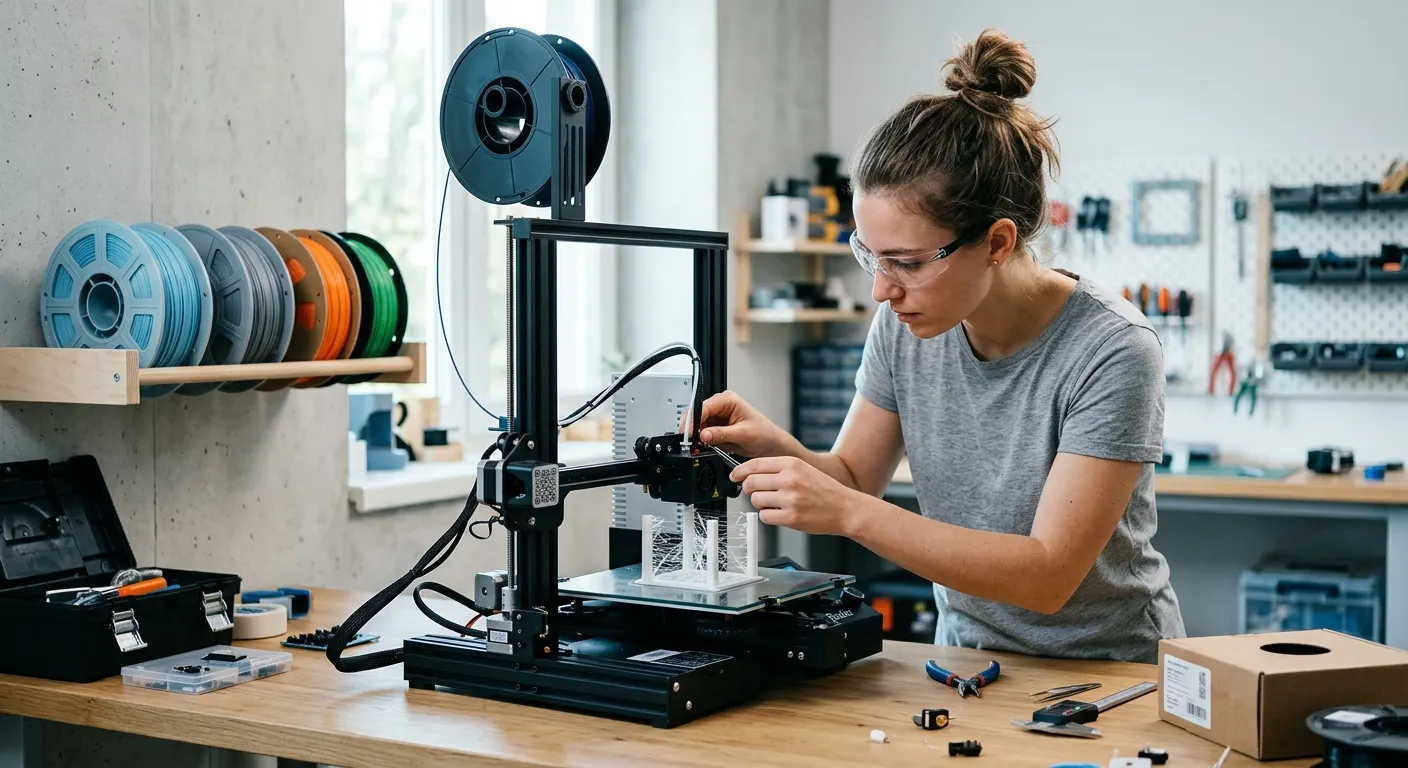
Stringing is the thin cobweb-like threads of plastic that connect separate parts of a print after travel moves. The nozzle crosses open air, and molten plastic oozes out and drags behind it. The frustrating part is that stringing has several root causes that look identical in the output, so tuning retraction settings without addressing the actual cause can waste hours. This guide walks through every cause in priority order and gives you a clear fix for each.
Quick answer
Fix stringing in order of likelihood. Dry the filament first, since steam from moisture pushes plastic out no matter your retraction. Then tune retraction distance and speed, lower nozzle temperature in 5 C steps, and raise travel speed with combing enabled. On a Bowden Ender 3, a 1.9mm Capricorn tube tightens retraction precision.
This guide contains affiliate links. LayerGrade may earn a commission at no cost to you.
Cause one: wet filament is the most common root cause
Moisture-laden filament is the root cause of stringing that no retraction setting will fully eliminate. When water absorbed into the filament reaches the melt zone, it flash-vaporizes into steam. That steam creates constant pressure inside the nozzle that pushes molten plastic out during travel moves regardless of how much retraction the slicer commands. The physics work against you: retraction pulls back, steam pressure pushes forward, and the result is continuous ooze.
Before touching any slicer setting, dry your filament. PETG, TPU, and nylon absorb moisture within hours in a humid environment. PLA absorbs it more slowly but will still cause stringing within a few days if left open on the printer. The SUNLU FilaDryer S2 is the lowest-cost way to test this: load the spool, set 60 to 65 C for PETG or 45 to 55 C for PLA, run it for four to six hours, then print a stringing test. If stringing drops dramatically, moisture was the variable.
The EIBOS Filament Dryer Box adds a live humidity display to this diagnostic step. Instead of estimating dryness from elapsed time at temperature, the EIBOS tells you when the chamber humidity has actually dropped to a stable low level. For materials like TPU and nylon where partial drying still produces failures, that readout removes guesswork.
For users who print in humid climates and run long jobs, the print-in-dryer workflow eliminates the re-absorption problem. Thread the filament through the guide port on the SUNLU FilaDryer S2 or SUNLU FilaDryer S4 and let the dryer run continuously while printing. Filament that dries in 30 minutes of open air in a humid room will re-absorb moisture fast enough to degrade a four-hour print if not kept active.
Cause two: retraction distance and speed
Retraction pulls molten filament back from the nozzle tip before a travel move to reduce the pressure that causes ooze. Too little retraction distance leaves pressure in the melt zone. Too much causes filament grinding and inconsistent extrusion after retraction. The starting points differ by extruder type: direct-drive setups typically need 0.5 to 2 mm, Bowden setups typically need 4 to 6 mm.
Retraction speed matters as much as distance. Too slow and the retraction completes after the travel has already started, leaving ooze behind. A starting point of 25 to 45 mm/s works for most setups. Increase distance in 0.5 mm increments and test with a stringing tower after each change. Stop increasing when stringing disappears, not when it looks better.
Ender 3 users on the stock Bowden setup have an additional factor: the 2.0 mm inner diameter of the stock PTFE tube gives filament physical room to wander during retraction, creating a pressure lag. Replacing it with a Capricorn PTFE Bowden Tube reduces that gap to 1.9 mm and measurably improves retraction precision. This is a $10 fix that often reduces stringing before any slicer change.
Cause three: print temperature too high
Higher nozzle temperature produces lower-viscosity melt that flows more easily, including out of the nozzle tip during travel. Reducing print temperature by 5 to 10 C often eliminates stringing without any retraction change, particularly for PLA and PETG which are sometimes printed hotter than necessary.
Test in 5 C increments downward from your current temperature using a temperature tower or stringing test. Stop before you reach a temperature that causes under-extrusion or poor layer adhesion, the goal is the lowest temperature that still produces complete extrusion, not the lowest possible temperature.
Hardened steel nozzles run cooler than brass at the same temperature setting because steel has lower thermal conductivity. If you recently switched to a BIGTREETECH Hardened Steel Nozzle and stringing increased, raise your print temperature by 5 to 10 C before tuning retraction. The temperature compensation is the first adjustment when changing nozzle material.
Cause four: travel speed too slow
During a travel move, the nozzle is crossing open air and not extruding. The longer that crossing takes, the more time pressure in the melt zone has to push plastic out. Faster travel speeds reduce the ooze window. On most modern printers, travel speeds of 150 to 250 mm/s are achievable without print quality degradation, and the reduction in stringing is noticeable.
Enable combing in your slicer if the feature is available. Combing routes travel moves across already-printed surfaces rather than across open air, which means any ooze lands on existing plastic rather than becoming visible strings between parts. On Bambu slicer and Cura, combing is a toggle in the travel settings that is worth enabling on any model with fine detail.
Direct-drive conversions like the Creality Sprite Pro Extruder improve stringing compared to stock Bowden setups because the short filament path between the motor and nozzle makes retraction more immediate and precise. If you have an Ender 3 and stringing has resisted all retraction tuning on the Bowden setup, the direct-drive conversion addresses the root cause.
Keeping filament dry for consistent results
Fixing stringing once does not prevent it from returning if filament is left open between print sessions. PrintDry Filament Container with Desiccant containers with Dry and Dry Rechargeable Silica Gel Desiccant maintain low-humidity conditions between sessions. Dry the spool before storing it and seal it while still warm from the dryer for the most effective desiccant performance.
A Govee Temperature and Humidity Monitor placed near your printer and storage area gives you baseline data on your environment. If ambient relative humidity regularly exceeds 50 percent, you need active drying before printing PETG, TPU, and nylon regardless of storage practices. Knowing the actual humidity level turns a guessing game into a managed workflow.
The Polymaker PolyLite PETG is worth calling out specifically: its tight diameter tolerance reduces the stringing that PETG is known for, because diameter variation creates pressure inconsistency in the melt zone that manifests as ooze. If you are printing PETG that strings despite dry conditions and tuned retraction, the filament brand may be a contributing factor.
FAQ
Frequently asked questions
Why does my print still string after I tune retraction?+
Wet filament is the most likely cause. Retraction cannot overcome the steam pressure from moisture vaporizing in the melt zone. Dry the spool for four to six hours at the correct temperature for your material and test again before changing any retraction setting. If stringing drops significantly after drying, moisture was the variable, not retraction.
What retraction settings should I start with?+
For direct-drive setups start at 0.5 to 1 mm retraction distance and 35 to 45 mm/s speed. For Bowden setups start at 4 to 5 mm distance and 40 to 50 mm/s speed. Increase distance in 0.5 mm increments and test after each change. Stop increasing when stringing disappears, since too much retraction causes grinding and gaps.
Does the filament brand matter for stringing?+
Yes, particularly for PETG. Diameter inconsistency in lower-quality filament creates pressure variation in the melt zone that produces ooze regardless of retraction tuning. Consistent-diameter filament from manufacturers with tight tolerance control significantly reduces PETG stringing. Dry the filament first, then consider the brand if the problem persists.