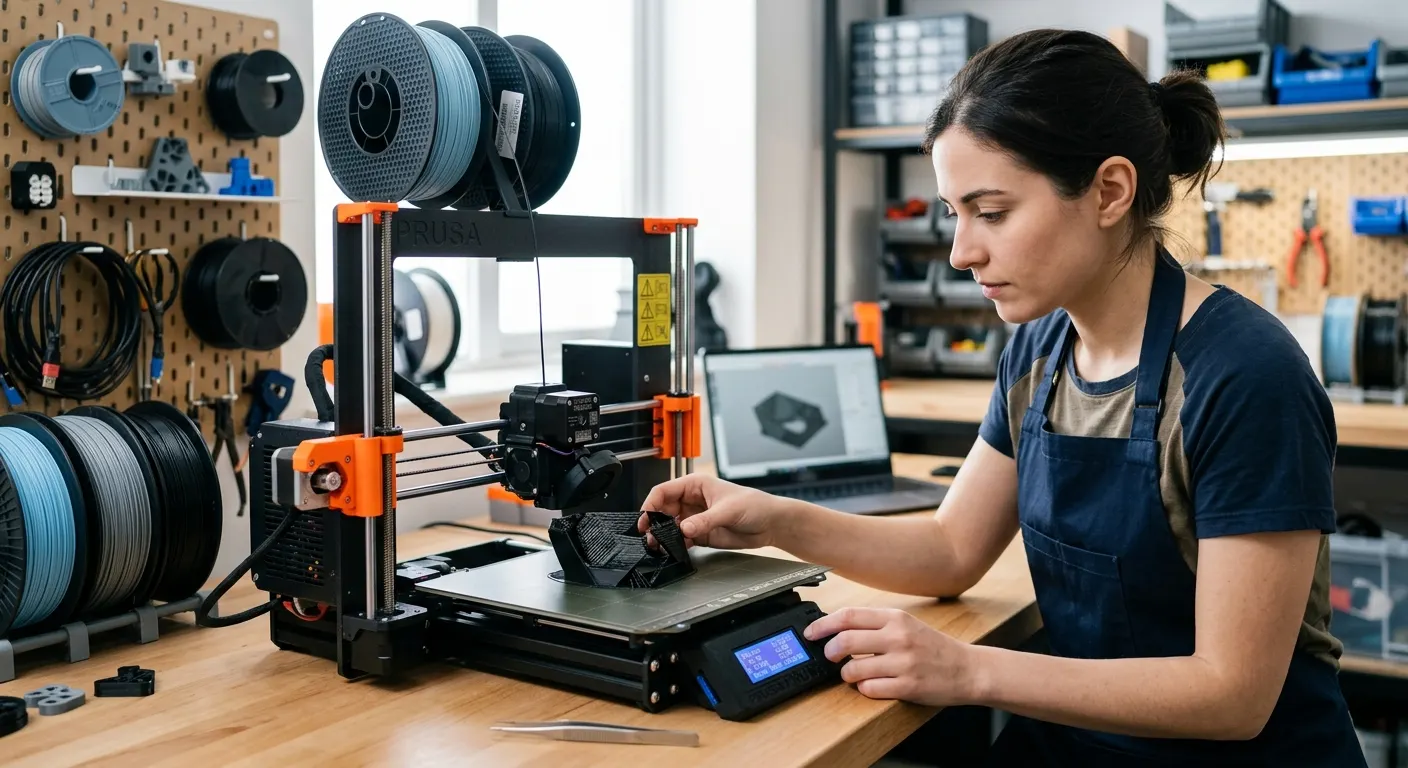
Under-extrusion is when the printer lays down less plastic than the slicer asked for, and it shows up as gaps between lines, thin or incomplete walls, weak layer bonding, and a rough, starved surface. It has several distinct causes that produce nearly identical results, which is why swapping settings at random rarely fixes it. The reliable approach is to work through the causes in order of likelihood. This guide does exactly that, from the partial clog that causes most cases to the flow calibration and hardware factors behind the rest.
Quick answer
Under-extrusion means the nozzle lays down less plastic than the slicer expects, showing as gaps, thin walls, and weak layers. Work through the causes in order: clear a partial nozzle clog first, then calibrate flow rate and extruder steps, then reduce Bowden friction with a tight-tolerance PTFE tube, and check nozzle temperature. A partial clog is the most common cause.
This guide contains affiliate links. LayerGrade may earn a commission at no cost to you.
What under-extrusion looks like, and what it is not
Under-extrusion produces a recognizable signature: visible gaps between adjacent print lines, top surfaces that never fill in, walls that look thin or have holes, and layers that snap apart easily because they never fully bonded. If your prints are starved and rough rather than blobby and over-full, you are dealing with under-extrusion. The opposite problem, over-extrusion, shows as blobs, rough overfilled surfaces, and dimensions that come out oversized, and it is fixed by lowering flow rather than raising it.
Distinguishing the two first saves you from chasing the wrong fix. Print a single-wall test cube and look at it: gaps and thin walls point to under-extrusion, while bulging and excess material point to over-extrusion. Once you are sure it is under-extrusion, work the causes below in order rather than jumping to the one you hope it is.
Cause one: a partial nozzle clog
A partial clog is the single most common cause of under-extrusion. Unlike a full clog that stops extrusion entirely, a partial clog leaves a restricted opening that lets some plastic through but not the full commanded amount, producing inconsistent, starved lines. It builds up from burnt filament residue, dust pulled in with the filament, or particles from abrasive materials, and it gets worse over a print as more material bakes onto the restriction.
Clear it with a cold pull, also called an atomic pull, using the pick and tools in a 3D Printer Tool Kit : heat the hotend, push filament through, then cool it and pull the plug out so it drags the debris with it. If a nozzle is badly fouled or worn, replace it; nozzles are consumable. If you print abrasive carbon-fiber, glass-fiber, or glow-in-the-dark filament, a brass nozzle wears into an out-of-round opening within a single spool, so move to a BIGTREETECH Hardened Steel Nozzle , which resists the abrasion that causes repeat clogs and wear-driven under-extrusion.
Cause two: flow rate and extruder calibration
If the nozzle is clear and extrusion is consistently low across the whole print, the cause is calibration. Two settings control how much plastic actually comes out: the flow rate, also called the extrusion multiplier, in your slicer, and the extruder steps per millimeter in your firmware. If the steps are off, the printer pushes the wrong amount of filament for every move, producing systematic under-extrusion on every print, which is common on budget machines or after a firmware update.
Calibrate methodically. Print a single-wall cube, measure the wall thickness with Mitutoyo 500-196-30 Digital Caliper , and compare it to your nozzle width; for a 0.4 mm nozzle the wall should measure about 0.4 mm within a small tolerance. Adjust flow rate until it matches. Calibrate flow per filament, because a value that is correct for one brand of PLA can be wrong for a PETG or a different PLA. On high-speed printers a small flow error that was invisible at slower speeds becomes an obvious defect, so this step matters more than it used to.
Cause three: Bowden friction and filament path
On Bowden printers, where the extruder motor is mounted on the frame and pushes filament through a long tube to the hotend, friction in that path causes under-extrusion that comes and goes. A worn or loose-tolerance PTFE tube lets the filament wander and adds drag, and sharp bends in the tube increase friction further, so the extruder can keep up at slow speeds but skips during fast infill or travel-heavy sections.
Replace a stock 2.0 mm-bore tube with a Capricorn PTFE Bowden Tube , whose 1.9 mm tighter-tolerance bore reduces the gap that lets filament wander and cuts the drag that starves fast moves. If you print flexible filament or have tuned everything else and still fight inconsistent extrusion on an Ender 3, convert to a direct-drive setup with the Creality Sprite Pro Extruder , which mounts on the printhead and removes the long Bowden path entirely, making extrusion far more immediate and consistent.
Cause four: temperature too low for the material
Plastic that is too cool is too viscous to flow at the commanded rate, so the extruder either skips or simply cannot push enough through, which reads as under-extrusion. Each material has a working temperature range, and printing at the bottom of it, or faster than the hotend can melt filament, starves the flow. Raising the nozzle temperature in 5 degree steps often restores full extrusion when the cause is thermal.
Hardware sets a ceiling here too. The stock hotend on some printers, including the PTFE-lined Bambu hotend, is limited for high-temperature materials like ABS, ASA, and carbon-fiber blends, which need to run hot to flow. If you print those materials and cannot get enough flow even at the top of the range, an all-metal hotend such as the BIGTREETECH Panda Revo Hotend removes the PTFE-in-the-melt-zone limit and lets the filament reach a temperature where it extrudes fully.
Keeping extrusion consistent
Once you have found and fixed the cause, prevent the recurrence. Keep nozzles clean and replace them before they wear out, recalibrate flow whenever you change filament brand or material, and keep your filament dry, because wet filament hisses and sputters in the melt zone and contributes to inconsistent flow that looks like under-extrusion. A clean nozzle, calibrated flow, a low-friction filament path, and the right temperature together give you consistent extrusion print after print.
Work the causes in the order above the next time it returns: clog, then calibration, then friction, then temperature. That sequence puts the most common and cheapest fixes first and stops you from rebuilding settings to chase a problem that a two-minute cold pull would have solved.
FAQ
Frequently asked questions
What is the most common cause of under-extrusion?+
A partial nozzle clog. It leaves a restricted opening that lets some plastic through but not the full commanded amount, producing gaps and thin, starved lines. Clear it with a cold pull or replace the nozzle before changing any slicer settings. If you print abrasive filaments, a worn brass nozzle is a frequent culprit, so switch to hardened steel.
How do I calibrate flow rate to fix under-extrusion?+
Print a single-wall cube, measure its wall thickness with digital calipers, and compare it to your nozzle width, about 0.4 mm for a 0.4 mm nozzle. Adjust the flow rate or extrusion multiplier in your slicer until the measurement matches. Calibrate separately for each filament, since the correct value differs between brands and materials.
Can wet filament cause under-extrusion?+
Yes. Moisture in filament flashes to steam in the hotend and disrupts the melt, causing hissing, sputtering, and inconsistent flow that reads as under-extrusion. Dry the spool and keep it sealed with desiccant. If extrusion is inconsistent and you hear popping at the nozzle, treat wet filament as a likely contributor alongside clogs and calibration.