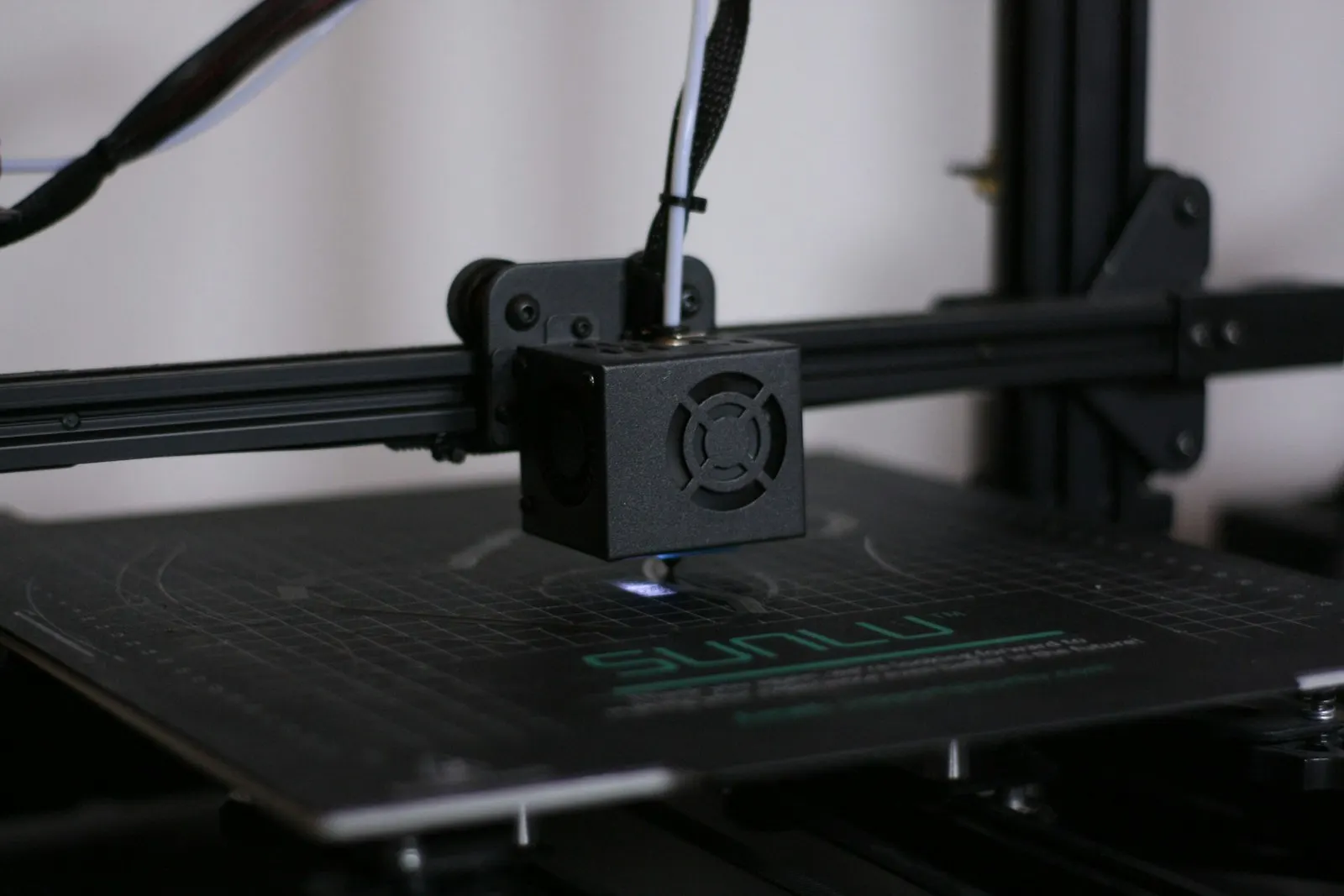
3D printers heat a small element to over 200 degrees Celsius and often run for hours unattended, which is why fire safety deserves real attention rather than a shrug. The risks are specific and largely preventable: a heating element that loses temperature control, a loose high-current connector, or a fault during an overnight print with nobody watching. This guide separates the measures that genuinely reduce risk from the ones that feel safe but are not, starting with the free firmware setting that matters most and ending with detection and automatic power cutoff.
Quick answer
Most 3D printer fires come from thermal runaway, where a heating element loses temperature control, or from loose high-current connectors. Reduce the risk by enabling thermal runaway protection in firmware, since it is free and stops the leading cause. Then add an environment monitor, a smoke alarm with an automatic power cutoff, and reliable hardware. Never leave a printer unattended.
This guide contains affiliate links. LayerGrade may earn a commission at no cost to you.
The real risks, in order
3D printer fires have a few well-understood causes, and knowing them tells you where to spend effort. The leading one is thermal runaway: a thermistor slips out of position or a heater fault makes the firmware lose track of the real temperature, so it keeps heating with nothing to stop it. The second is electrical: the high-current connectors that feed the heated bed and hotend can loosen, corrode, or arc, generating heat at the connection itself. The third is simply running unattended near flammable material, which turns a small fault into a spreading fire.
The implication is that the highest-value safety measures are not gadgets. They are a firmware setting that catches thermal runaway, sound electrical connections, and the discipline not to print near clutter or leave a printer running with nobody able to respond. Detection and enclosures matter, but they come after these fundamentals, not instead of them.
Do this first: thermal runaway protection
Thermal runaway protection is a firmware feature that monitors whether the temperature responds the way it should and shuts the printer down if it does not, for example if the reading stalls while the heater is on. It directly addresses the leading cause of printer fires, and on most modern firmware it is enabled by default. It costs nothing, so it is the first thing to verify before any purchase.
Check that it is actually on, especially on older boards, custom firmware builds, or budget machines where it may be disabled or absent. If your firmware does not support it, that alone is a reason to update the firmware or the board. No accessory in this guide substitutes for thermal runaway protection, because it is the only measure that stops the fault at its source rather than reacting after heat or smoke appears.
The honest truth about enclosures
An enclosure is genuinely useful, but mostly for print quality on ABS and ASA rather than for fire safety, and it carries a real caveat. Many popular DIY enclosures, including the Enclosure Hardware Kit for IKEA Lack Table build, use a wood table and acrylic panels, which are combustible. An enclosure traps heat, which is exactly what you want for warp-prone materials, but a combustible enclosure around a heat source can also contain and feed a fire if one starts. It is an upgrade for printing ABS reliably, not a fire-suppression device.
If you build the Enclosure Hardware Kit for IKEA Lack Table enclosure, treat it as the print-quality tool it is and pair it with the actual safety measures in this guide: confirmed thermal runaway protection, sound wiring, detection, and not printing unattended. Do not let an enclosure lull you into thinking the printer is now safe to leave running overnight. Commercial fire-retardant enclosures exist for users who want the heat-trapping benefit with less combustible material, but no enclosure replaces detection and automatic shutoff.
Monitor the environment
Knowing what is happening around the printer helps you catch problems early. A Govee Temperature and Humidity Monitor placed in the print area logs temperature trends over time, so an enclosure or a corner of a room that runs unexpectedly hot becomes visible rather than a surprise. The same sensor doubles as filament-storage management by tracking humidity, which is a useful second job for a cheap device.
Environmental monitoring is a supporting measure, not a primary safeguard, and it is worth being clear about that. It gives you data and early warning, but it does not cut power or suppress a fire. Use it to understand your setup and to spot a slow temperature creep, then rely on the detection and shutoff layer below for the actual emergency response.
Detection and automatic shutoff
The measure that responds to an actual fire is a smoke alarm, ideally one tied to automatic power cutoff. A smart smoke detector paired with a smart plug can be configured to kill power to the printer the moment it detects smoke, which stops a fault from escalating even when you are asleep or out of the house. These are not products this site sells, and that is fine: buy a smoke detector and a smart plug from a hardware or electronics retailer and set up the automation. The advice matters more than the affiliate link.
Keep a fire extinguisher rated for electrical fires within reach of the printer as well. The full picture is layered: thermal runaway protection stops the most common fault at the source, sound wiring prevents electrical heating, an environment monitor gives early warning, and a smoke alarm with auto-cutoff and an extinguisher handle the case where something gets through anyway. None of these is optional if you print overnight.
Reliable hardware reduces the odds
Hardware quality is a quieter part of fire safety. A stock hotend pushed past its limits, or a worn nozzle and degraded thermistor, raises the chance of the thermal faults that protection then has to catch. Running reliable, in-spec components keeps the printer operating where the firmware expects it to. For users printing high-temperature materials, an all-metal hotend such as the BIGTREETECH Panda Revo Hotend runs those materials within a proper thermal design rather than stressing a PTFE-lined stock hotend beyond its rating.
Maintenance is the companion to good hardware: re-seat and inspect the heated-bed and hotend connectors periodically for discoloration or looseness, replace worn nozzles and aging thermistors, and keep the printer and its surroundings free of dust and clutter. Reliable, maintained hardware lowers the odds that any safeguard ever has to act, which is the goal. Treat the layers in this guide as a system, and never run a printer unattended in a cluttered or flammable space.
FAQ
Frequently asked questions
What is the most important 3D printer fire safety measure?+
Enabling thermal runaway protection in firmware. It monitors whether temperature responds correctly and shuts the printer down on a heater or thermistor fault, which is the leading cause of printer fires. It is free and on by default in most modern firmware, but verify it on older boards and budget machines. No accessory substitutes for it.
Does an enclosure make a 3D printer safer?+
Not directly. An enclosure improves print quality on ABS and ASA by trapping heat, but common DIY enclosures use wood and acrylic, which are combustible and can contain and feed a fire. Treat an enclosure as a print-quality tool and pair it with thermal runaway protection, sound wiring, smoke detection, and not printing unattended for actual safety.
Can I safely run a 3D printer overnight?+
Only with safeguards in place. Verify thermal runaway protection, inspect the high-current connectors, place the printer on a non-flammable surface clear of clutter, and add a smoke detector tied to a smart plug that cuts power on smoke. Keep an extinguisher nearby. Even then, unattended printing carries risk, so minimize it where you can.